Quick save
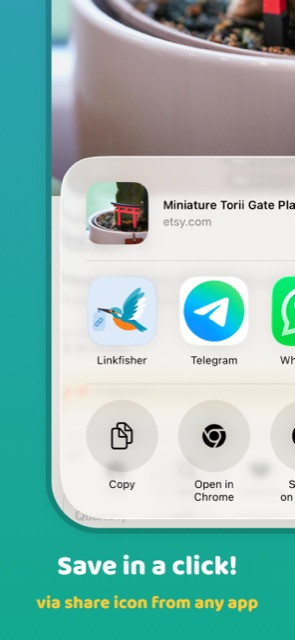
Catch from the share sheet, your clipboard, a home screen widget, or by scanning a QR code. The link is safe before you've thought twice.
You spot something worth keeping. A recipe, a thread, a listing. Linkfisher grabs it in one tap, files it where you can find it again, and keeps it there for good.
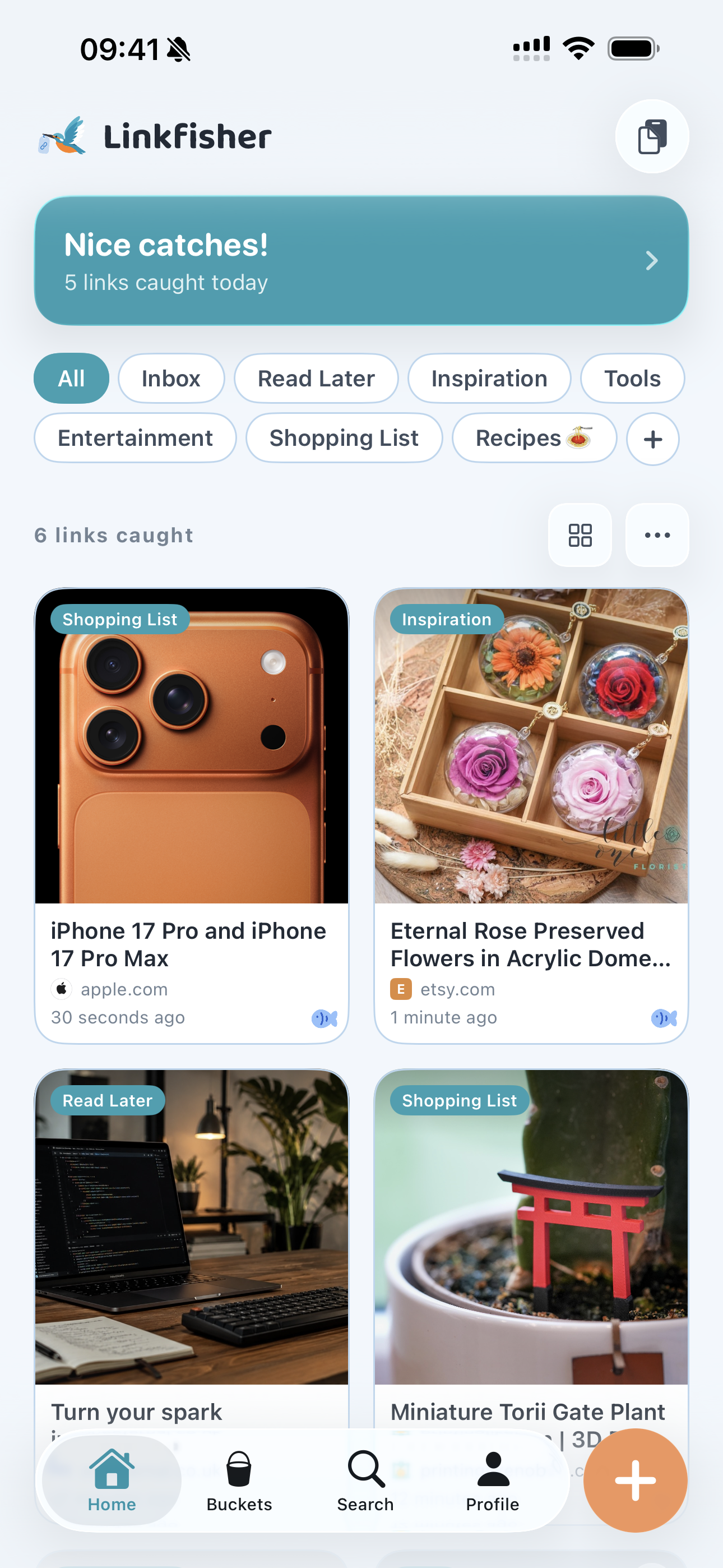
From catch to collection
Saving stays quick in the moment. Organising can wait until you have the time.
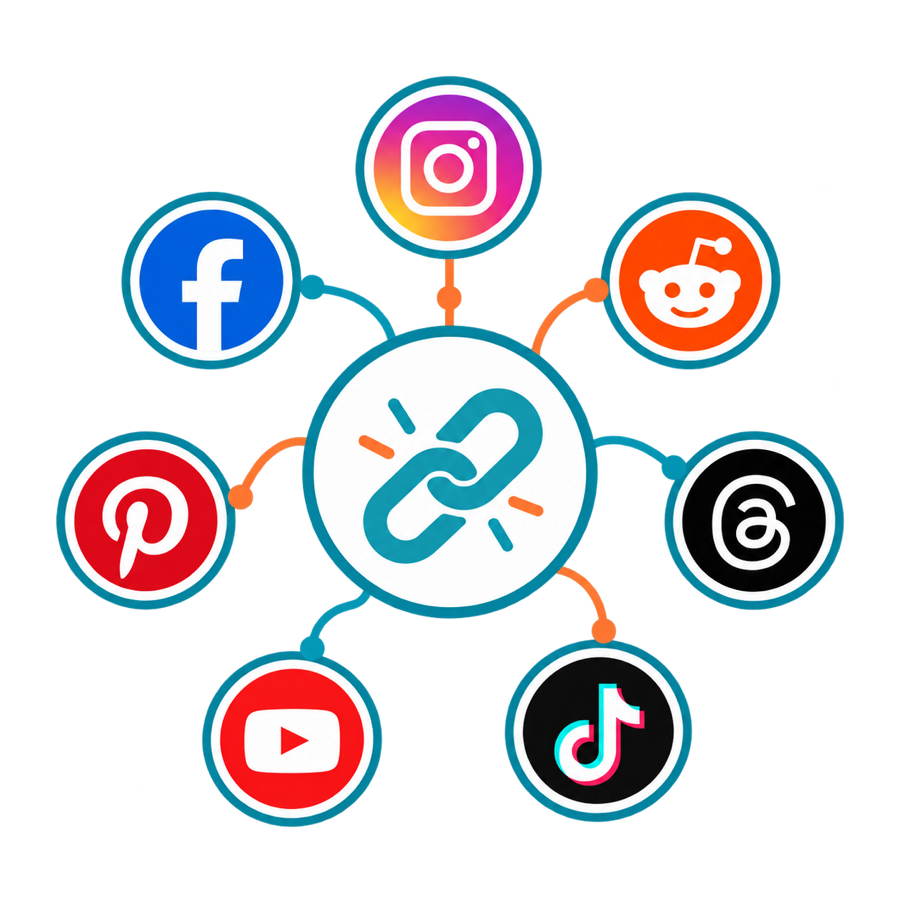
A recipe, product, thread, or place—stay in the app you're already using.
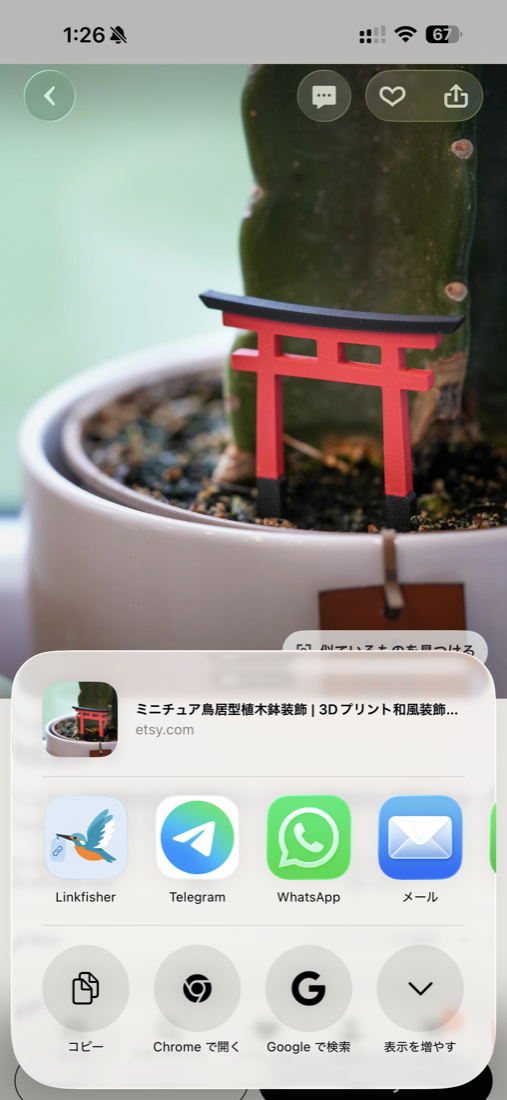
Send it to Linkfisher and carry on. The link is safely waiting in your Inbox.
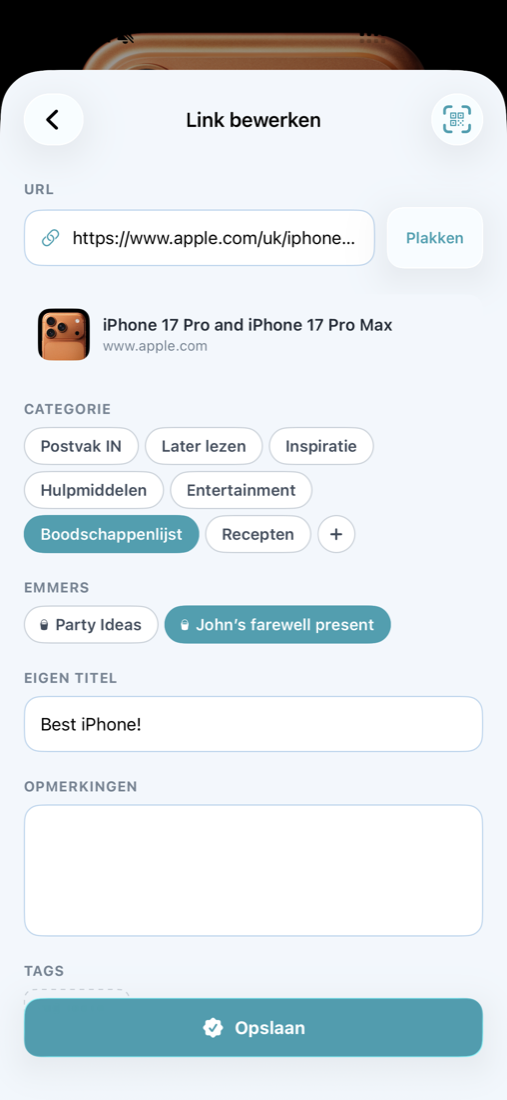
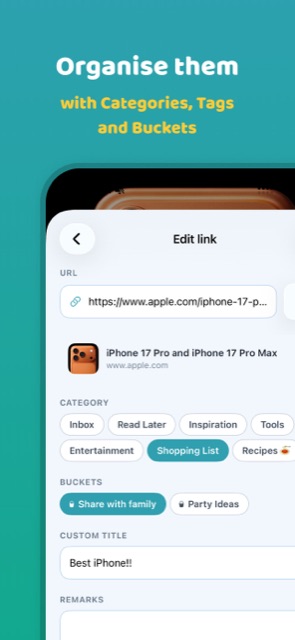
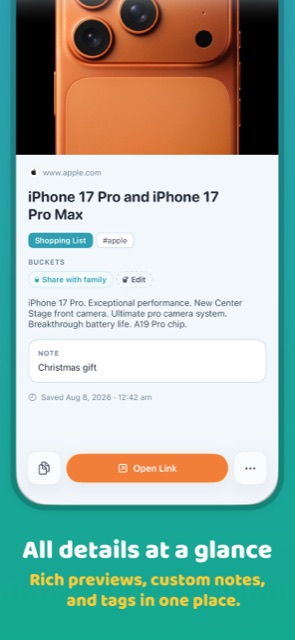
Leave it in Inbox, or add a category, Bucket, and private tags when the moment is right.
Built for the whole lifecycle
Catch from the share sheet, your clipboard, a home screen widget, or by scanning a QR code. The link is safe before you've thought twice.
Five categories out of the box, custom ones when you need them, Buckets to group anything, and private tags on top.
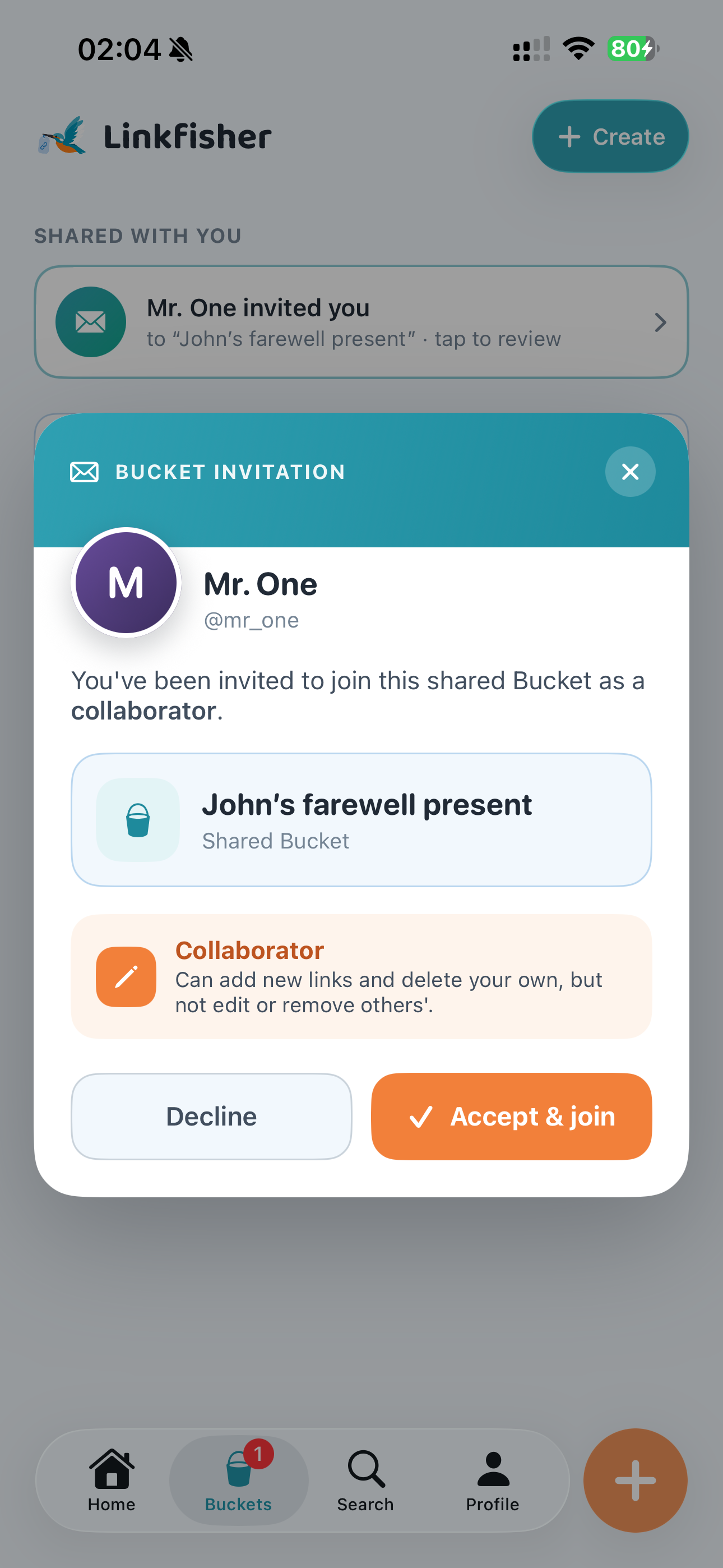
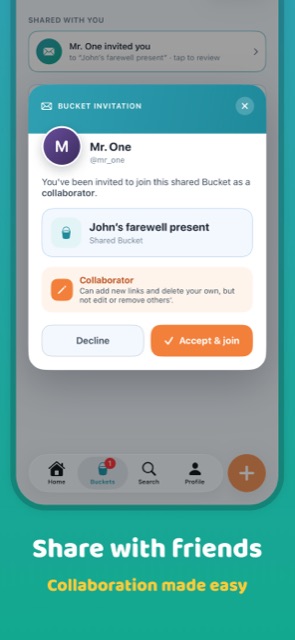
Invite people into a Bucket as a viewer or a collaborator. Everyone sees the same links and the same categories, exactly as they were tagged.
Clear the backlog one card at a time. Swipe right to keep a link, swipe left to release it. Undo is one tap away.
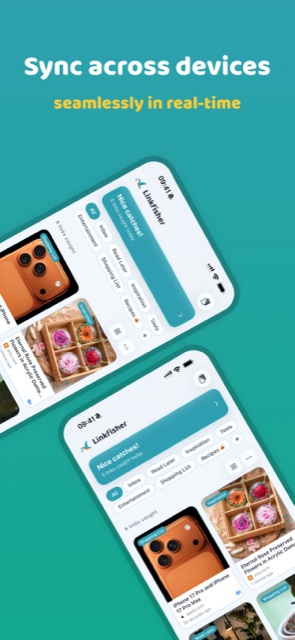
Premium sync of every catch. Save on your phone, it's on your iPad seconds later, edits and deletions included.
Your links are never sold or handed to advertisers. Ads outside Premium come with a real consent choice, and analytics has an off switch.
Organise together
Collect trip ideas, gift options, and shared research in one Bucket, so everyone can find the latest links in one place.
Straight from the App Store
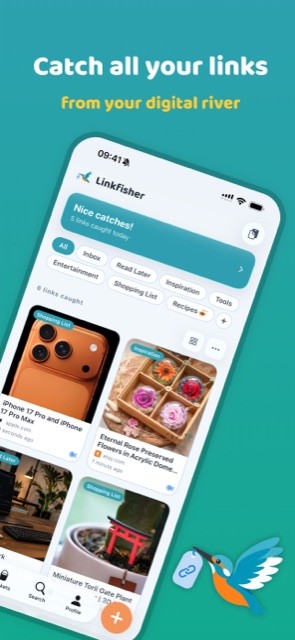
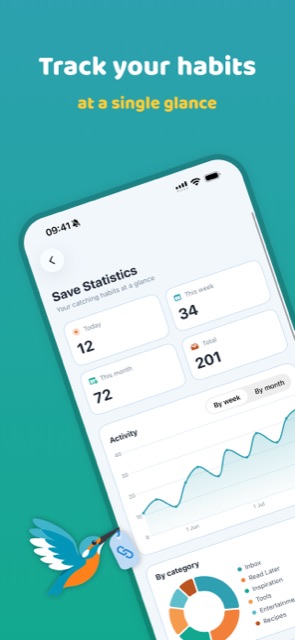
The real screens, not renders. Swipe through to see what actually opens.
Swipe to see more →
Choose your setup
An account and Premium do different jobs. Start with neither, add an account for sharing, or add Premium to remove limits.
Account unlocks cloud sharing.
Premium removes limits and ads.
No account
Save privately on one device. Nothing to set up.
Account, no subscription
The free starting point for sharing with other people.
Optional upgrade · Guest or account
Keep the setup you chose. Premium simply removes the limits and ads.
You can subscribe without registering. Cloud features still need an account because they have to know which devices and people to connect.